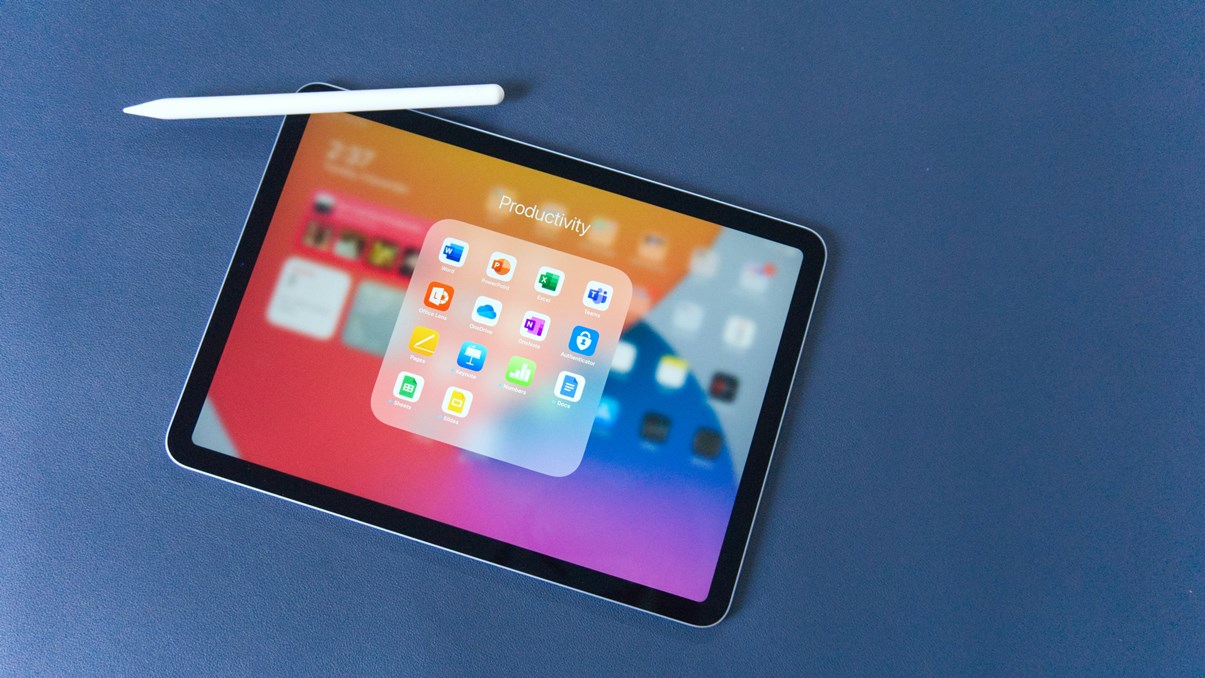
In today’s fast-paced world, everyone is constantly seeking ways to boost productivity, whether it’s at home or in the workplace. However, with the rise of remote work and various distractions, staying focused can be challenging. That’s where productivity tools come in handy.
Here are 10 productivity apps for professionals designed to help you manage your time better, strike a balance between work and personal life, and stay on track with your tasks. These tools aim to simplify your life and enhance your overall productivity.
1. Clockify
Clockify is a time-tracking software used by more than two million people. It’s a popular time tracker and timesheet app that lets you track work hours across projects. Clockify is available for an unlimited number of users, completely free. It works in your browser, but you can also install it on your phone or computer for convenience.
Top features:
- Unlimited number of team members and features for free
- Highly accurate timesheets with advanced features
- Reports and visualizations to understand data and insights
- Mobile app available for iOS and Android
- Browser extension with auto start/stop, reminders, Pomodoro timer, and more, for Google Chrome, Firefox, or Microsoft Edge.
2. Evernote
Evernote is the first (and arguably the best) note-taking app to date. It helps you capture and manage ideas, examples, and to-do lists so you never miss a beat. With Evernote, you can Create notes, Scan images, Take voice notes, Attach documents, and Capture clips from the web.
Evernote helps you organize everything from personal moments to projects in one place. Its search function lets you surface all this information through word recognition in handwriting, images, or attachments. You can access it on your computer, tablet, or phone, even if you’re offline.
Top features:
- The home dashboard lets you view relevant content in a simple, organized way
- Create and organize tasks within notes to easily track to-do lists and items
- Integrate with Google Calendar to see upcoming events and related notes
- 200-megabyte maximum note size to store high-resolution photos and presentations
- Concierge support for troubleshooting issues
3. Asana
Asana is a productivity app for professionals that is greatly loved by productivity fanatics. It’s one of the best collaboration tools to help businesses manage different tasks. There’s a bit of a learning curve, but it’s worth the investment once you get the hang of it. It doesn’t offer budgeting or expense-tracking tools, but it’s excellent for managing tasks, workflows, and various projects.
Top features:
- Fast, flexible, and modern design
- Organize work into shared projects as lists or Kanban boards
- Set, track, and manage goals
- Create teams to organize projects and connect teammates with a shared calendar and conversations
- Slack integration to create, complete, and edit tasks right from the messaging app
4. Focus Booster
Focus Booster is a free time management app that helps you power through distractions and complete all your tasks. You can track 20 Pomodoro sessions per month with the free plan, which is about 83 hours worth of time tracking per month.
Top features:
- Keep track of all your completed tasks in a simple to-do list
- Simplified Pomodoro timer
- Track Pomodoro sessions across devices, even if you’re offline
5. Dropbox
Dropbox is a simple, dependable file storage service with advanced collaboration features. It’s more expensive than similar offerings like Google Drive, but it has many integrations to work with your existing tool set. All files are stored in the cloud.
Top features:
- Manage and access documents all in one place to stay organized
- Share updates to documents in real time and connect to your teams and tools
- Password protect files, set permissions, and restore/recover important edits
6. LastPass
If you run an online business, chances are you use dozens of different tools and services. And all of them have different login credentials. It’s impossible to remember every password, and it’s considered risky to have the same password for every service.
LastPass solves this problem. Gone are the days of managing passwords manually. LastPass gives you a secure way to create, manage, and store your passwords so you never have to hit “Forgot password?” again. With the LastPass browser extension, you’ll automatically fill in passwords when they are saved to your vault.
Top features:
- Easy to use, from its secure encryption to password sharing and autocomplete features
- Protects your business and employee data from hacks
- Saves time by remembering login details from every company account
7. Toggl Track
Toggl Track is a productivity app for professionals you can use to track time spent on tasks, as well as to manually add entries. Keep your entries organized by team, client, project, or tag. Add notes to the description so you can recall what you were doing at a later date.
Top features:
- See who’s spending time doing what and find ways to optimize time spent on those tasks
- Review your week, month, or even year to see what’s been dragging you down for extended periods
- Track everything, everywhere with mobile apps, desktop apps, and browser add-on extensions that let you sync Toggl across devices
8. RescueTime
RescueTime is a time-tracking app that records how and where you spend your time online. The productivity app analyzes everything you do in a day—from which other apps you use to how much time you spend on your favorite websites.
Top features:
- Stops you from wasting time, with reminders that alert you when you’re spending too much time on a specific task
- Helps you understand how you spent your day by providing you with in-depth reports and daily highlights
- Helps you get stuff done quicker by finding new ways for you to organize your day and spend your time properly
9. Trello
Trello is a flexible project management web application that lets you easily sort through your tasks and collaborate with your teammates. Instead of getting lost in a mess of emails or a confusing spreadsheet, Trello visualizes your projects as lists pinned to digital bulletin boards.
Trello is available on iOS and Android, as well as Mac and Windows. There’s a free version, or you can upgrade for more features with a Business Class or Enterprise account.
Top features:
- Trello is fully customizable: every business is different and Trello adapts to your needs, whatever they may be
- It keeps you organized by consolidating all of your projects and team communication into a single environment
- Trello makes projects easy to follow and lets you view entire workflows at a glance
10. Forest
Forest is a unique productivity app for professionals that helps you stay focused and minimize distractions. This app encourages you to set a timer and focus on a task, during which a virtual tree grows. If you leave the app, the tree dies. Over time, you can grow a virtual forest, motivating you to stay on task and develop a strong work ethic while minimizing procrastination.
Top features:
- Grow virtual trees
- Focus Timer
- Statistics
WATCH TOP VIDEOS FROM NIGERIAN TRIBUNE TV
- Relationship Hangout: Public vs Private Proposals – Which Truly Wins in Love?
- “No” Is a Complete Sentence: Why You Should Stop Feeling Guilty
- Relationship Hangout: Friendship Talk 2025 – How to Be a Good Friend & Big Questions on Friendship
- Police Overpower Armed Robbers in Ibadan After Fierce Struggle