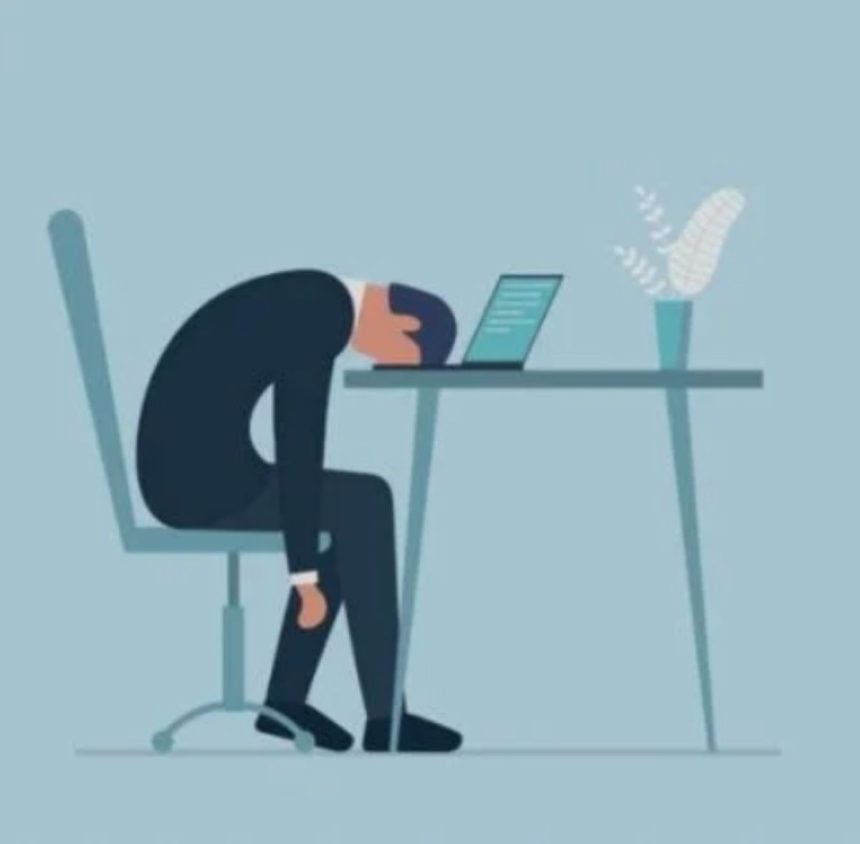
Remote work has become a normal part of life for millions of people. While working from home offers flexibility, it also means spending long hours in front of computers, tablets and smartphones. For many professionals, this has led to a growing problem known as digital eye strain, also called computer vision syndrome.
Digital eye strain refers to a group of eye and vision problems caused by prolonged use of digital screens. Common symptoms include dry eyes, blurred vision, headaches, neck pain, shoulder pain and difficulty focusing after long periods of screen use.
In this article, Tribune Online highlights the practical ways remote workers can protect their eyes and reduce screen fatigue.
Follow the 20-20-20 rule
One of the easiest ways to reduce digital eye strain is to practise the 20-20-20 rule. Every 20 minutes, look at an object about 20 feet (6 metres) away for at least 20 seconds. This gives your eye muscles a chance to relax after prolonged close-up focusing. This habit is recommended because continuous screen use forces the eyes to maintain the same focus for extended periods, leading to fatigue.
Blink more often to prevent dry eyes
People naturally blink less when looking at digital screens. Reduced blinking causes tears to evaporate more quickly, leaving the eyes dry, irritated and uncomfortable.
Make a conscious effort to blink regularly while working. If dryness persists, consult an eye care professional about the use of lubricating eye drops.
ALSO READ: Carry-over courses: 9 study-group strategies every polytechnic student should try
Position your screen correctly
The position of your computer monitor plays an important role in preventing eye and neck strain. Experts recommend placing the screen about an arm’s length away, with the top of the monitor at or slightly below eye level. This reduces the need to tilt your head or strain your eyes while working.
Reduce screen glare
Glare from windows, overhead lighting or reflective screens forces your eyes to work harder.
Close curtains when sunlight is too bright, reposition your monitor away from direct light and adjust your screen brightness to match the surrounding environment.
Where necessary, consider using an anti-glare screen filter.
Adjust your display settings
Small text, poor contrast and excessive screen brightness can make reading difficult and increase eye fatigue.Increase your font size if necessary, adjust brightness and contrast for comfortable viewing, and choose display settings that are easy on your eyes rather than forcing yourself to read tiny text.
Take regular breaks from your screen
Avoid sitting in front of your computer for hours without moving. Stand up every hour, stretch your neck, shoulders and back, and walk around for a few minutes.These short breaks not only reduce eye strain but also help prevent muscle stiffness and improve circulation.
Use proper lighting
Working in a room that is too dark or too bright can increase visual discomfort. Ideally, the light in your workspace should be comfortable enough to allow you to see the screen clearly without excessive glare. If possible, use adjustable lighting that can be modified throughout the day.
WATCH TOP VIDEOS FROM NIGERIAN TRIBUNE TV
- Relationship Hangout: Public vs Private Proposals – Which Truly Wins in Love?
- “No” Is a Complete Sentence: Why You Should Stop Feeling Guilty
- Relationship Hangout: Friendship Talk 2025 – How to Be a Good Friend & Big Questions on Friendship
- Police Overpower Armed Robbers in Ibadan After Fierce Struggle