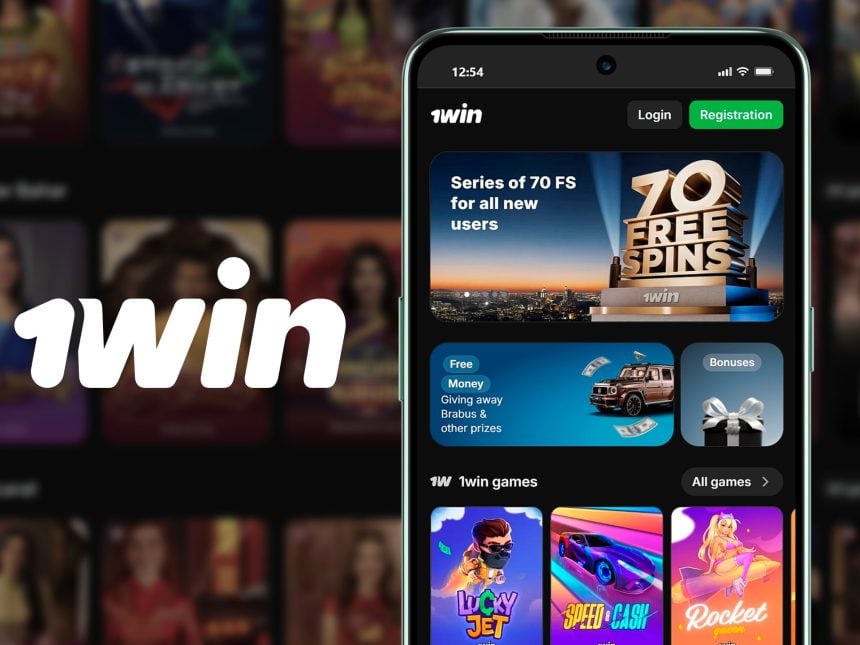
The official 1Win App is the most convenient tool that is always at hand. It opens faster than the website in the browser, and allows you to instantly receive notifications about the start of matches or new bonuses. In this article, we’ll take a step-by-step look at how to download, install, and start using this app on different devices, whether it’s an Android smartphone, iPhone, or even a Windows home computer. This guide will help you do everything right the first time to focus on the game and not on the technical difficulties.
How to Install the 1Win App on an Android Phone
We download most of the usual applications from Google Play, which acts as a “security guard” that checks software for viruses. 1Win is not available to all users in this store for various reasons (legal and regional). Therefore, download the 1win app directly from the bookmaker’s website.
It is both freedom and responsibility. On the one hand, you get full access to the functionality. On the other hand, you take on the function of the very “guard” who must ensure the security of the file.
- Go to your phone’s Settings and find the “Security”, “Security and Privacy” or “Privacy Protection” section.
- Inside, find an item that may be called “Installing Unknown Applications,” “Special Permissions,” or simply “Unknown Sources.”
- In the list that opens, you will need to find and select the browser that you plan to use for downloading (Chrome, Samsung Internet, etc.), and switch the switch to the active position for it.
- Open the mobile browser for which you have just been granted permission.
- Manually and carefully enter the official address of the 1Win website. Do not follow links from emails, messengers, or questionable websites.
- Find the button to download the app on Android. It contains the Android logo.
- Confirm the download. A file with a name similar to 1win.apk will be saved in the Downloads folder.
- Use the phone’s file manager to navigate to the Downloads folder. Find the downloaded APK file and click on it. Click the Install button. The process will take a few seconds.
- When finished, you will see the “Done” or “Open” button. The application shortcut will automatically appear on the main screen or in the menu of all programs.
How to Add the 1Win App to iPhone or iPad
Owners of Apple devices (iPhone, iPad) should know that there is no1win app ios from the App Store for 1Win yet. But that’s not a problem — the developers offer a great alternative that works almost as well.
This alternative 1win app download is called a Progressive Web application (PWA). In fact, this is a website shortcut that you add to the home screen, and then it opens as a separate application, without a browser line. How to do it on iPhone:
- Open the website in Safari.
- At the bottom of the Safari screen, find the square icon with the up arrow (the Share button). Click on it.
- Select “Add Home Screen”. Scroll through the list of options up and down in the menu that opens.
- The system will show you the icon of the future shortcut and prompt you to enter the name. You can leave “1Win” or write your own. Click “Add” in the upper-right corner.
Ready! The 1win ghana app icon will appear on your desktop next to other applications. Now, to access the platform, just click on this shortcut. Thus, the task of the 1win ios app is solved simply and elegantly, without having to search for installation files.
First Login to the 1Win App
When the app is already installed on your device, the easiest thing left is to log in to your account.
If you already have an account on the 1Win website, just use the same username and password to log in. Open the application, enter the data in the appropriate fields on the start screen and click “Log in”. The 1win app login process is no different from logging into a website.
If you are a new user, click the “Register” button directly in the application. You will be redirected to a short form where you will need to specify a phone number or email address, come up with a password, and select the account currency.
Conclusions
The 1win Ghana app Download provides a completely new level of 1win Bet interaction from different devices. The app works stably, securely, and offers the same functionality as the full version of the site. Whether you use an Android, iPhone, or Windows PC, the 1win bet app provides a comfortable, fast, and reliable experience for all Ghanaian players. The main thing is to always download it only from the official website. 1win.com to avoid counterfeiting and fraud.
WATCH TOP VIDEOS FROM NIGERIAN TRIBUNE TV
- Relationship Hangout: Public vs Private Proposals – Which Truly Wins in Love?
- “No” Is a Complete Sentence: Why You Should Stop Feeling Guilty
- Relationship Hangout: Friendship Talk 2025 – How to Be a Good Friend & Big Questions on Friendship
- Police Overpower Armed Robbers in Ibadan After Fierce Struggle